01
Music & video
Adjust media volume for the music you play and the videos you watch.
EVERYDAY ANDROID SOUND CONTROL
Music for the moment. A ringtone you can hear. An alarm set your way. Bring your everyday volume controls together in one clear place.
For Android 9 and up By ZYION MEDIQO
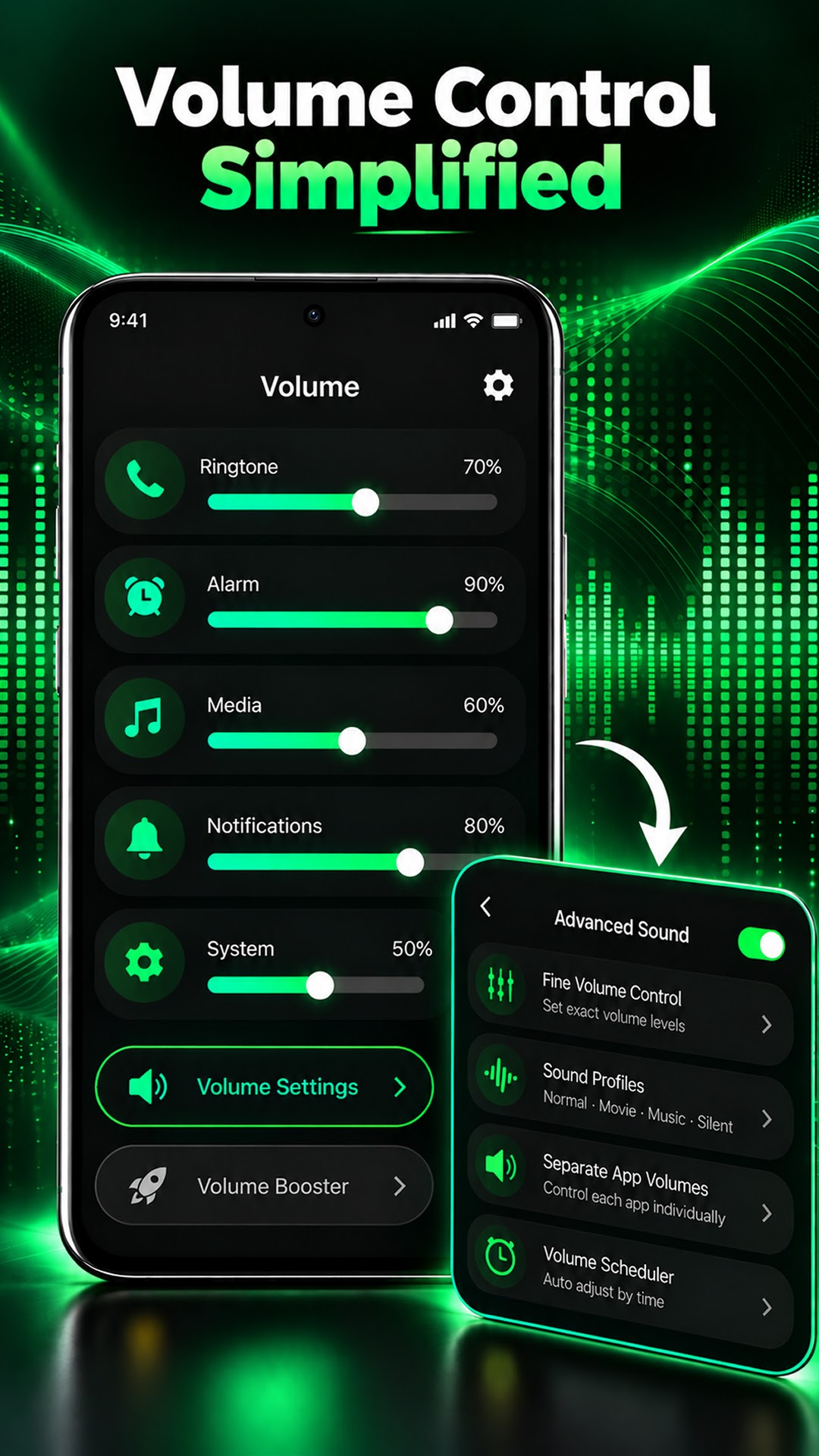
01 / THE CONTROLS
Your phone has more than one kind of volume. Find the sound settings you need through a clear, everyday interface.
Adjust media volume for the music you play and the videos you watch.
Set your ringtone volume with convenient access to your phone’s sound controls.
Adjust notification volume to suit how you want to hear your alerts.
Manage your alarm volume alongside your other everyday sound settings.
Access supported system sound settings without navigating multiple settings screens.
Use the optional launcher to browse and open installed apps in an easy-to-use layout.
Explore the launcherSMALL ADJUSTMENTS. EVERYDAY EASE.
Bring your phone’s volume settings into one clear interface.
Media, ringtone, notifications or alarm — find the category you need.
Adjust the volume for your next activity.
02 / YOUR HOME SCREEN
The app also includes an optional Android home screen launcher. Browse and open your installed applications from a simple layout made for everyday use.
Setting this app as your default Home app may change your home screen layout. You can switch back to your system launcher or another launcher in Android settings at any time, without deleting your installed apps.
03 / APP PREVIEW
All six previews from Google Play, in their original order. Select an image to open it in full.
Scroll sideways to see every preview
BEFORE YOU GET STARTED
Loud sounds can damage hearing. Choose a comfortable listening level, and review the app’s privacy policy for information about its data practices. The home screen launcher is optional.
Read the privacy policyVOLUME CONTROL-SOUND BOOSTER
Simple volume management. An optional home screen.
A little more control over your everyday Android experience.